Creating a home office that balances productivity with relaxation is essential for anyone working remotely or running a business from home. A well-designed space can increase focus, reduce stress, and make your workday more enjoyable. Here are some helpful tips to create an environment that supports both efficiency and calmness.
Choosing the Right Location
Find a Quiet Space
Selecting a quiet corner or room dedicated to work is crucial. Avoid high-traffic areas where distractions are frequent. If space is limited, consider using room dividers or noise-cancelling headphones to create a sense of separation.
Maximise Natural Light
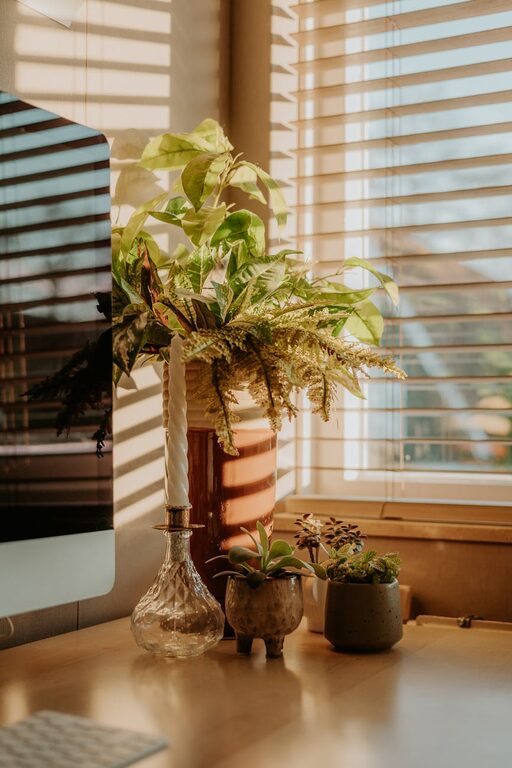
Natural light can lift your mood and reduce eye strain. Position your desk near a window if possible, but be mindful of glare on your computer screen. Installing blinds or curtains can help you control the light during bright afternoons.
Organising Your Workspace
Declutter Regularly
A tidy desk supports clear thinking. Keep only essential items on your workspace and use storage solutions like drawers, shelves, or organisers to store documents and office supplies neatly.
Use Functional Furniture
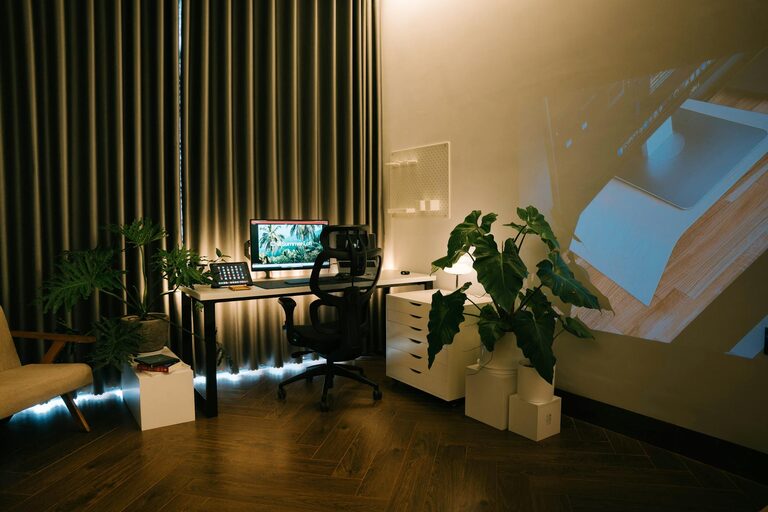
Choose a desk and chair that suit your needs. A desk with enough surface area will give you room to work comfortably, while a chair with good lumbar support helps maintain proper posture.
Cable Management
Messy cables can be distracting and unsafe. Use cable clips, sleeves, or trays to keep cords organised and out of sight.
Designing for Comfort and Style
Ergonomics Matter
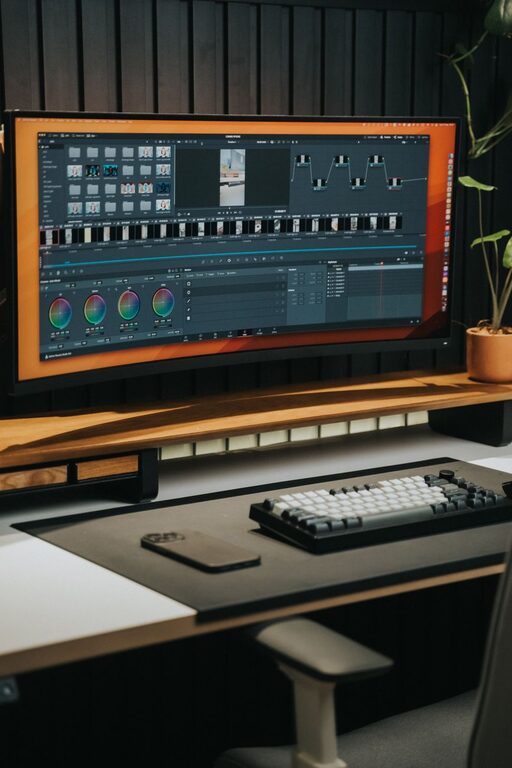
Invest in ergonomic accessories such as adjustable chairs, keyboard stands, and screen risers. Position your monitor so the top of the screen is at eye level and about an arm’s length away.
Soothing Colours
Choose calming colours like soft blues, greens, or neutrals for walls and décor. These shades can help reduce stress and create a peaceful atmosphere.
Personal Touches
Add items that inspire you without creating clutter. This could be a favourite photo, a plant, or art that makes you smile.
Enhancing Productivity
Create a Dedicated Work Zone
Stick to your workspace for work-related tasks only. This mental association helps boost focus and creates boundaries between work and home life.
Establish a Routine
Set regular work hours and take breaks to maintain energy and concentration. Use timers or apps to encourage short periods of focused work followed by brief rests.
Minimise Distractions
Turn off non-essential notifications on your devices and inform family members of your working hours to reduce interruptions.
Incorporating Relaxation Elements
Add Plants
Houseplants not only improve air quality but also have calming effects. Choose low-maintenance plants like succulents, snake plants, or spider plants for your workspace.
Use Aromatherapy
A subtle scent, such as lavender or eucalyptus, can create a relaxing environment. Consider using a diffuser or scented candles but be mindful of any allergies or sensitivities.
Comfortable Lighting
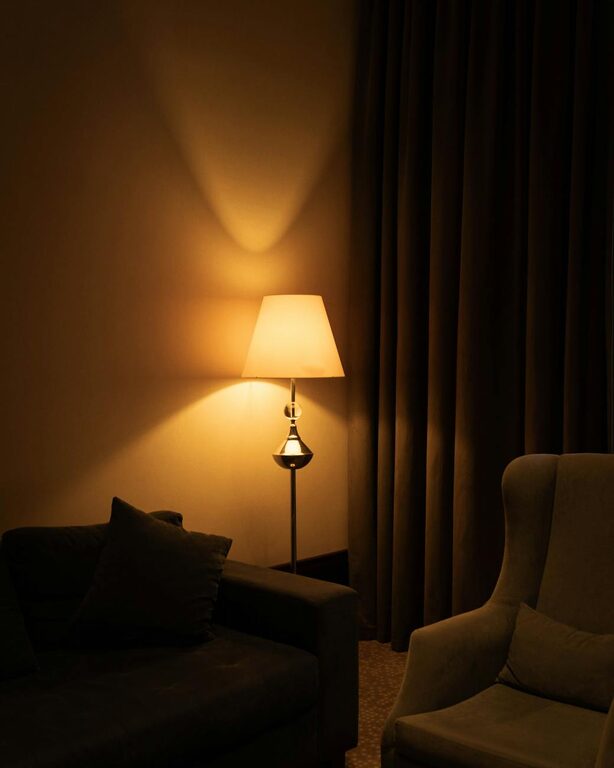
In addition to natural light, use warm, adjustable lighting options. Desk lamps or floor lamps with dimmer switches allow you to set the mood based on the time of day.
Technology Tips
Reliable Internet Connection
Ensure your internet speed and stability support your work tasks, especially video calls or large uploads.
Essential Tools
Keep your software and hardware up to date. A good quality headset, webcam, and keyboard can make a significant difference in your work experience.
Backup Plans
Have a system to back up important documents regularly and consider using cloud storage to access files from anywhere.
Maintaining Work-Life Balance
Set Clear Boundaries
Avoid working in bed or on the sofa to keep relaxation areas separate. When the workday ends, close your office door, shut down your computer, and shift your focus.
Schedule Breaks and Exercise
Use break times to stretch, take a short walk, or practise breathing exercises. This helps reduce physical tension and refreshes your mind.
—
By thoughtfully designing your home office space, you can turn your working environment into a place that inspires focus and tranquillity. Remember, the key is balancing functionality with comfort to support your well-being and productivity every day.
About the Author