Creating a home office that encourages productivity and creativity is essential for anyone working remotely or managing tasks from home. A well-designed workspace not only improves efficiency but also supports your well-being and motivation. If you’re looking to enhance your home office, here are practical tips to help you build a productive and inspiring environment.
Choose the Right Location
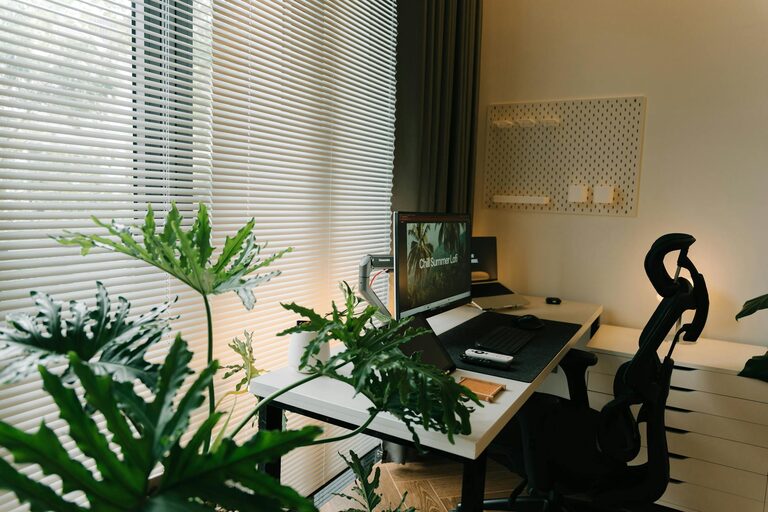
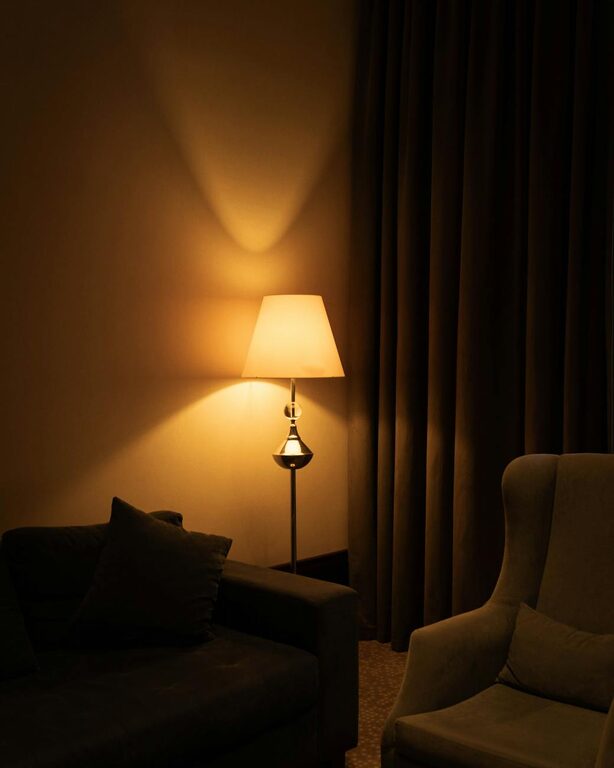
Selecting a suitable spot is the first step towards an effective home office. Ideally, this should be a quiet area away from distractions such as the television or a busy hallway. Natural light is a major bonus, as it can boost mood and decrease eye strain. If natural light is limited, invest in good quality lamps to keep the space bright and inviting.
Invest in Comfortable Furniture
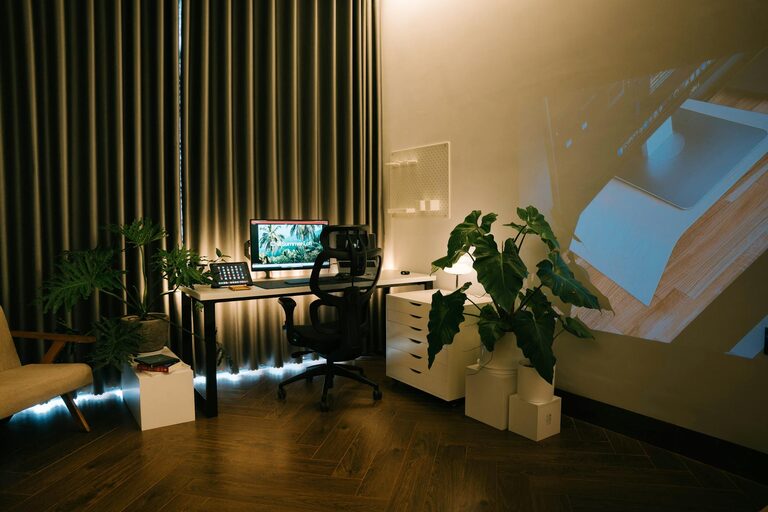
Comfort is key for long hours of work. Choose an ergonomic chair that supports your back and promotes good posture. A desk with enough surface area to hold your computer, notepad, and other essentials helps keep everything organised. Adjustable furniture that allows you to switch between sitting and standing can add variety and support your physical health.
Keep It Organised and Clutter-Free
A tidy space contributes to a clear mind. Use storage solutions such as shelves, drawers, or filing cabinets to keep documents and office supplies in order. Label storage bins for quick access and reduce clutter by regularly sorting through papers and items you no longer need.
Add Personal Touches
Inspiration often comes from surroundings that feel welcoming. Incorporate elements that motivate and relax you, such as plants, artwork, or photos. Greenery can improve air quality and bring a touch of nature indoors, while pictures or meaningful objects can provide emotional uplift.
Optimise Your Technology Setup
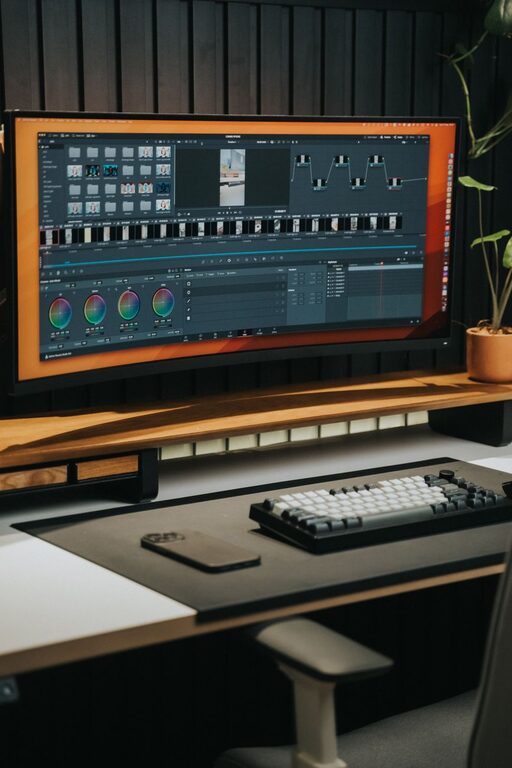
Ensure your technology supports your workflow. Use a reliable computer or laptop, paired with accessories like a second monitor for multitasking, a quality keyboard, and a mouse suited to your preferences. High-speed internet is essential, so check your connection and upgrade if necessary. Consider noise-cancelling headphones if you need to focus or take calls in a noisy environment.
Manage Lighting and Screen Glare
Proper lighting reduces eye strain and helps maintain concentration. Position your desk to maximise daylight without causing glare on your screen. If artificial light is needed, choose soft white bulbs and position fixtures to avoid shadows. Anti-glare screen protectors or adjustable monitor stands can also improve comfort.
Create a Routine and Dedicated Use
Having a clear distinction between work and leisure spaces helps maintain work-life balance. Use your home office exclusively for work to train your brain into focusing when you enter the space. Establishing routines, such as set start and finish times, regular breaks, and daily goals, can enhance productivity.
Incorporate Organisational Tools
Use calendars, planners, or digital apps to schedule tasks and deadlines. Keeping a to-do list visible helps track your progress and keeps you motivated. Whiteboards or bulletin boards can be useful for quick notes and brainstorming sessions.
Control Noise Levels
Minimising distractions from household noises or neighbours helps concentration. Soft background music or white noise machines can create a pleasant sound environment. If external noise is unavoidable, investing in quality headphones can be a game-changer.
Prioritise Well-being
Remember that your home office should support not only work but also your health. Take regular breaks to stretch or walk around, ensuring you don’t sit for long periods. A water bottle within reach encourages hydration. Good air circulation and a comfortable temperature also contribute to your overall comfort.
—
Designing your home office with these tips in mind will help you build a space that is both productive and inspiring. Tailor your environment to suit your personal needs and preferences, and you’ll find working from home more enjoyable and efficient.
About the Author