Creating a home office that is both comfortable and productive can make a significant difference to your workday. Whether you work remotely full-time or occasionally, setting up a dedicated space that encourages focus and well-being is essential. This guide offers practical advice to help you design a home office that supports your work habits and promotes efficiency.
Choose the Right Location
Find a Quiet Spot
Selecting the right location for your home office is the first step. Look for a quiet area where you can minimise distractions from household members, traffic noise, or other interruptions.
Natural Light Matters
If possible, position your desk near a window. Natural daylight improves mood and energy levels, making it easier to stay alert throughout the day. Avoid placing your screen directly in front of the window to reduce glare.
Invest in Ergonomic Furniture
Comfortable Chair
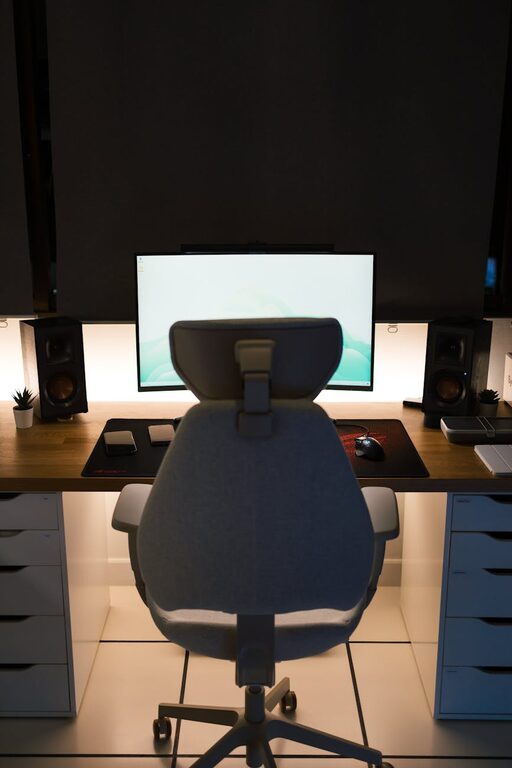
A good office chair with adjustable height, lumbar support, and cushioning is key. It helps maintain good posture and prevents back pain during long working hours.
Functional Desk
Choose a desk with enough surface area to accommodate your computer, documents, and other essentials. Standing desks or adjustable desks can offer flexibility and encourage movement.
Organise Your Workspace Effectively
Declutter Regularly
A tidy workspace can help clear your mind and reduce stress. Use storage solutions like shelves, filing cabinets, or organisers to keep papers and office supplies neat.
Essential Supplies Close At Hand
Keep frequently used items such as pens, notebooks, and chargers within easy reach to avoid unnecessary interruptions in your workflow.
Incorporate Technology Wisely
Reliable Internet Connection
A strong and stable internet connection is crucial for virtual meetings, research, and communication.
Quality Equipment
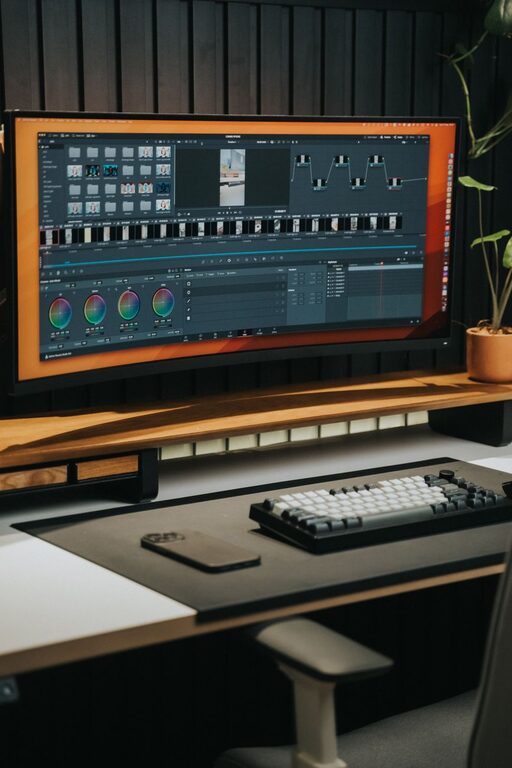
Invest in essential devices like a good-quality monitor, keyboard, mouse, and noise-cancelling headphones if needed. Efficient technology reduces frustration and improves productivity.
Personalise Your Space
Add Plants
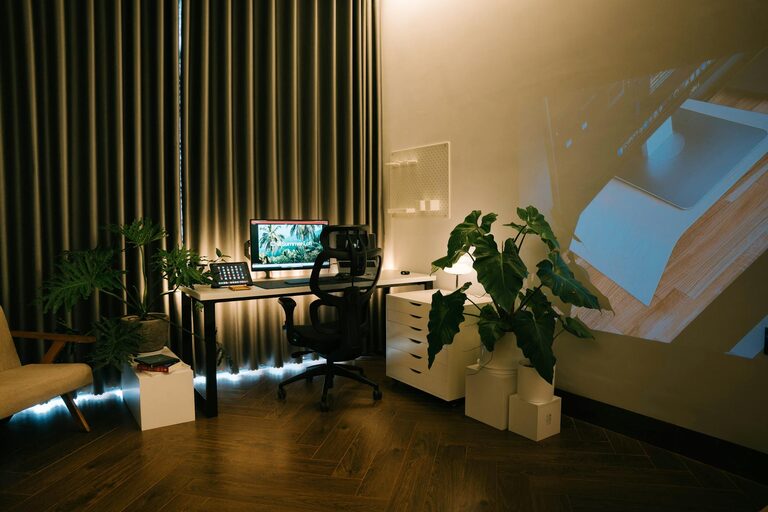
Indoor plants can improve air quality and create a calming atmosphere. Choose low-maintenance varieties if you’re new to gardening.
Personal Touches
Decorate your office with photos, art, or motivational quotes to make it an inspiring place to spend time.
Manage Lighting and Temperature
Balanced Lighting
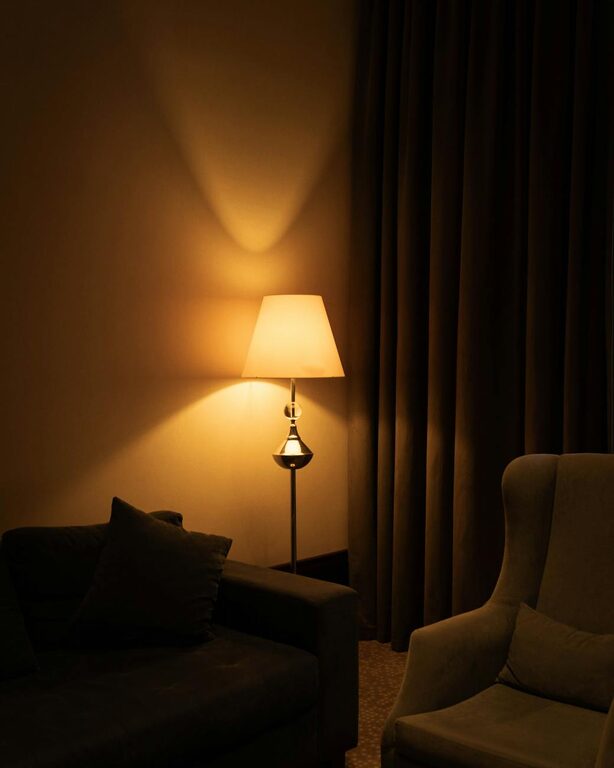
Use a combination of ambient lighting and task lighting to reduce eye strain. A desk lamp with adjustable brightness can be helpful.
Comfortable Temperature
Maintain a pleasant temperature using fans, heaters, or by adjusting curtains. Being too hot or cold can distract and reduce productivity.
Create Boundaries Between Work and Home Life
Define Work Hours
Establish set times for starting and finishing work. This helps maintain a healthy work-life balance.
Separate Workspace
If possible, use a room or dedicated corner exclusively for work. This physical boundary helps your mind switch between ‘work mode’ and relaxation.
Prioritise Movement and Breaks
Take Regular Breaks
Stand up, stretch, and move around every hour to reduce stiffness and improve circulation.
Exercise and Stretching
Incorporate simple exercises or stretches into your routine to support your physical health and reduce tension.
Use Noise Control Techniques
Soundproofing
If noise is a problem, consider adding rugs, curtains or acoustic panels to absorb sound.
Background Noise
Some people find that gentle background music or white noise helps concentration. Experiment to discover what works best for you.
—
Designing a home office space that suits your needs is an investment in your comfort and productivity. By paying attention to location, furniture, organisation, and personalisation, you can create a working environment that supports focus and wellbeing every day. Take the time to adjust your setup as you go along, and enjoy the benefits of a thoughtfully arranged home office.
About the Author